
Export GeoJSON Tool SPCAD: Enhance Geospatial Data Sharing
Introduction to Export GeoJSON
Exporting GeoJSON files from SPCAD enhances the ability to share geospatial data effectively. GeoJSON, specifically designed for geographical information, enables precise data exchange. It differs from JSON by focusing solely on geographical context. This distinction ensures that your exported data retains its spatial accuracy. Moreover, using GeoJSON for exporting allows seamless integration with other GIS applications.
Why Export GeoJSON Files from CAD?
First, exporting GeoJSON files is crucial for projects requiring precise geographical data exchange. This method ensures that all spatial information remains intact during transfer. Consequently, your data becomes easily accessible for mapping, analysis, and planning. Additionally, GeoJSON’s compatibility with various platforms enhances data sharing. Therefore, exporting GeoJSON from SPCAD streamlines collaboration across different geospatial tools.
How to Use the Export GeoJSON Tool
First, prepare your CAD drawing by assigning the correct coordinate system. Use the “Assign Coordinate System” tool, or type `ACS_SP` in the command line. This step ensures that the geographical coordinates in your drawing align with the GeoJSON format. Next, click the Export panel and select GeoJSON from the dropdown menu. Alternatively, type `OGJSON_SP` in the command line to activate the tool.
Exporting the GeoJSON File
After selecting the GeoJSON export option, choose the objects you wish to include in the file. Press ENTER. Then, a file dialogue box will appear. Choose your desired file location and save the GeoJSON file. This process converts your CAD objects into a GeoJSON format, retaining all spatial and attribute data.
Benefits of Using the Export GeoJSON Tool
By exporting to GeoJSON, you ensure that your CAD data remains geographically precise. This accuracy is essential for large-scale geospatial projects. Additionally, exporting to GeoJSON enhances data interoperability with other GIS platforms. Furthermore, this method streamlines data sharing, making it easier to collaborate on geospatial projects.
Example of Exported GeoJSON Data
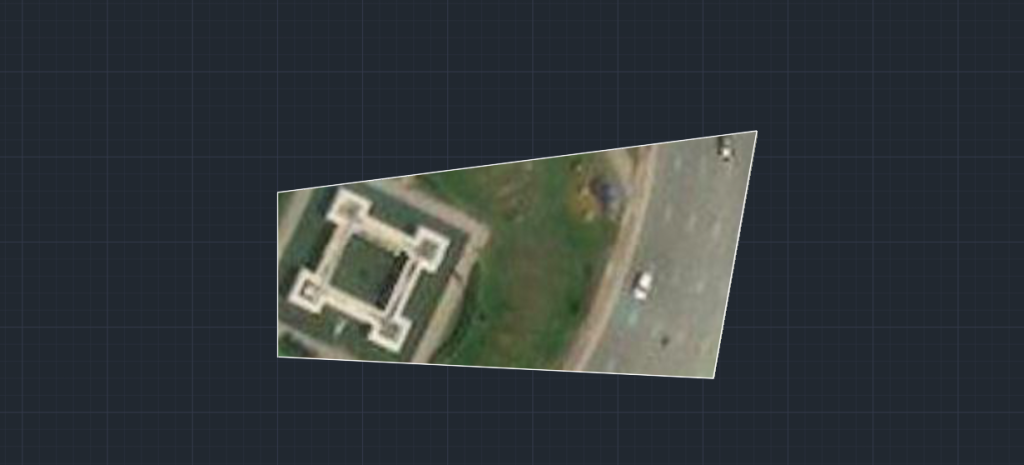
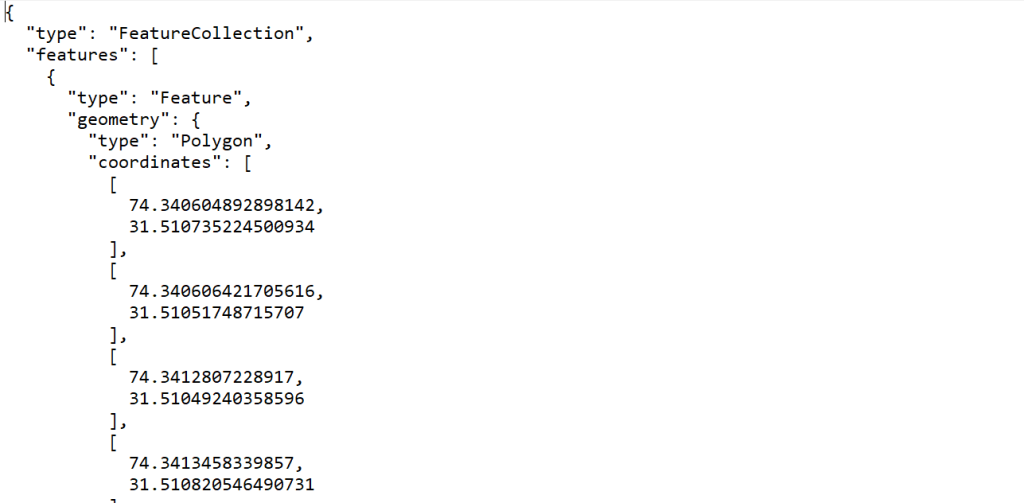
For instance, exporting a polygon might generate a GeoJSON entry like this:

This structure ensures that all spatial data is accurately represented, facilitating effective data sharing and collaboration.