
Create Buffer Around Points Tool SPCAD: Essential for Spatial Analysis
What Are Buffers and Why Are Buffers in CAD Needed? Buffers in CAD are zones created around points, lines, or polygons to perform spatial analysis and proximity studies effectively. In CAD, buffers are essential for spatial analysis and proximity studies. Specifically, they help identify impact areas around certain features. For instance, buffers are useful for determining zones of influence, creating safety zones, or planning infrastructure development. Urban planners use buffers in CAD to assess the impact area of a new road, while environmental scientists utilize them to identify regions around protected areas. Consequently, buffers in CAD enhance the accuracy and effectiveness of spatial analysis.
Steps to Use the Create Buffer Around Points Tool
- Ensure Points Are Imported
Before you start, make sure you have imported the points into your drawing that you want to create buffers around. - Access the Tool
Go to the Analysis panel in SPCAD. Under the Buffer dropdown, select “Buffer Around Points.” Alternatively, you can type BFP_SP in the command prompt to access the tool directly. - Select Points
After selecting the tool, the cursor will prompt you to choose the points you want to draw a buffer around. Carefully select the desired points and press Enter. - Enter Buffer Distance
Now, the tool will ask you to enter the buffer distance. Specify the distance you want the buffer zone to extend around the selected points. - Merge Buffers (Yes/No)
You will then need to choose whether to merge the buffers if they overlap. Select Yes if you want a single merged buffer around all selected points, or No if you want individual buffers for each point. - Create Buffer
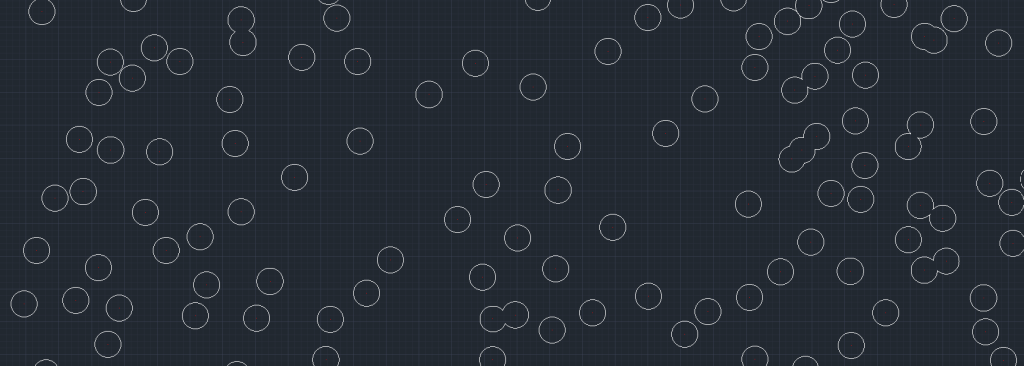
Once you have made your selection, the tool will then create the buffer around the selected points. Consequently, it will generate the specified buffer zones in your drawing.
Conclusion
Using the Create Buffer Around Points tool in SPCAD simplifies the process of generating buffer zones around point features. This tool enhances your ability to conduct proximity analysis and spatial planning efficiently. Incorporate buffers into your CAD projects to improve the accuracy and effectiveness of your spatial analysis, ensuring that all areas of influence are clearly defined and analyzed.
For more detailed information on SPCAD tools, visit our website or YouTube channel.